Question 3
What more is inside?
A lot — and most of it works instantly, with no AI at all. You choose the gear: lightning-fast and deterministic, or a private on-device AI when you want deeper answers. Here's the whole workbench, and exactly where each piece lives in the app.
Two ways to work, side by side
Instant & deterministic
- Full-text search across every document and email
- Timelines, logs & registers, cross-document matrix
- DataLab — cited tables built from your evidence
- Real redaction, fund-flow, email threading, authenticity
- Step-by-step workflows for 10 professions
- Every result traceable to its source — nothing invented
Deeper answers, when you want them
- Ask in plain language; answers cite their evidence
- Confidence, timeliness and conflicts on every answer
- Reads, extracts, cross-checks & embeds every source — that's the time
- Runs 100% on your Mac — no accounts, no uploads
- Runs in the background; use Lightning meanwhile, switch AI off anytime
Times scale with your archive size and your Mac. Lightning is instant because it skips AI and embeddings; Full power is slower because it actually reads, extracts and cites every source. The app shows a live time estimate before any long task, and you can stop it anytime.
Everything you can do — and where to find it
🔎 Ask & find
Get to the answer fast.
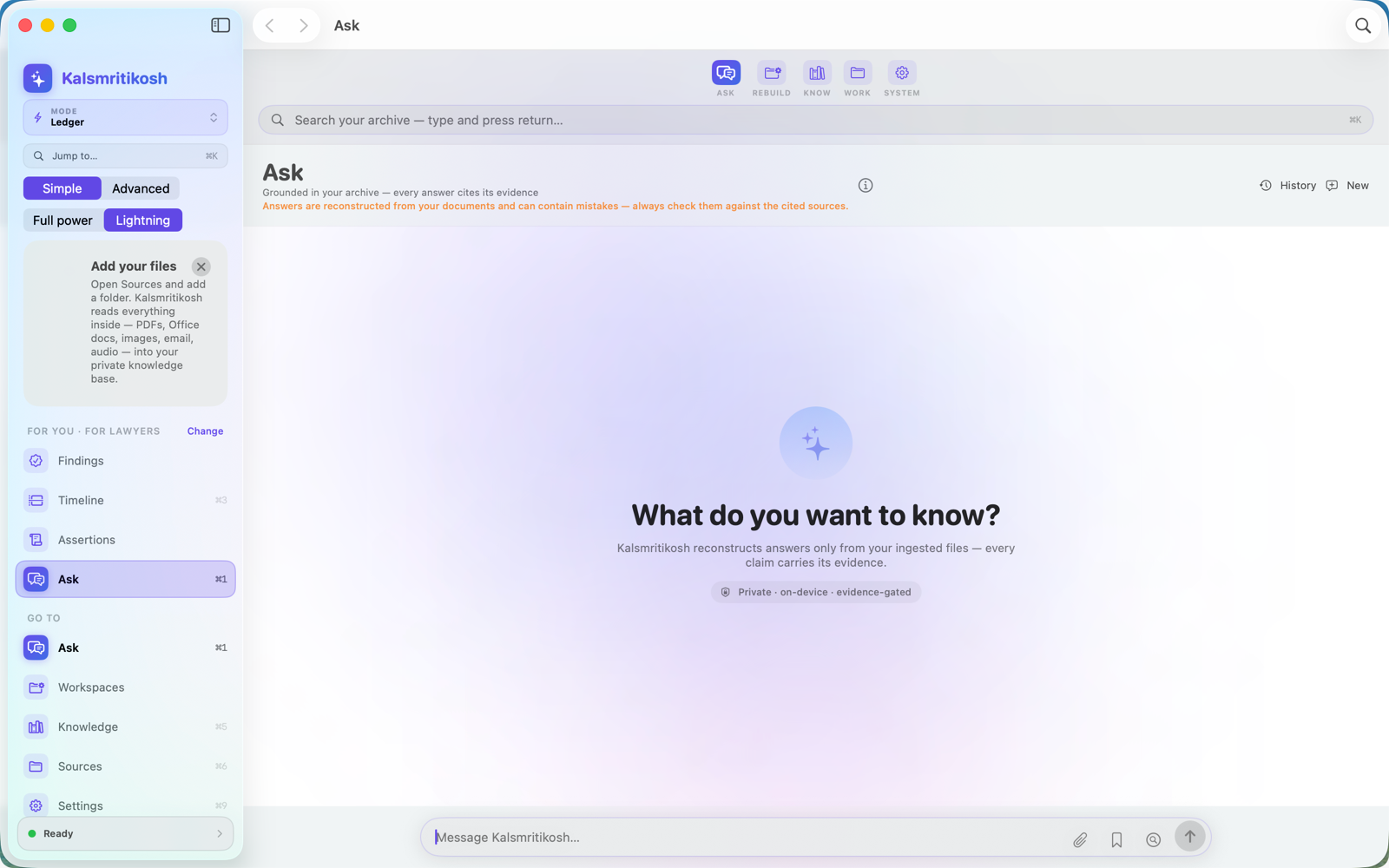
- Ask — a plain-language answer with its evidence, a confidence read, and any conflicts.Ask
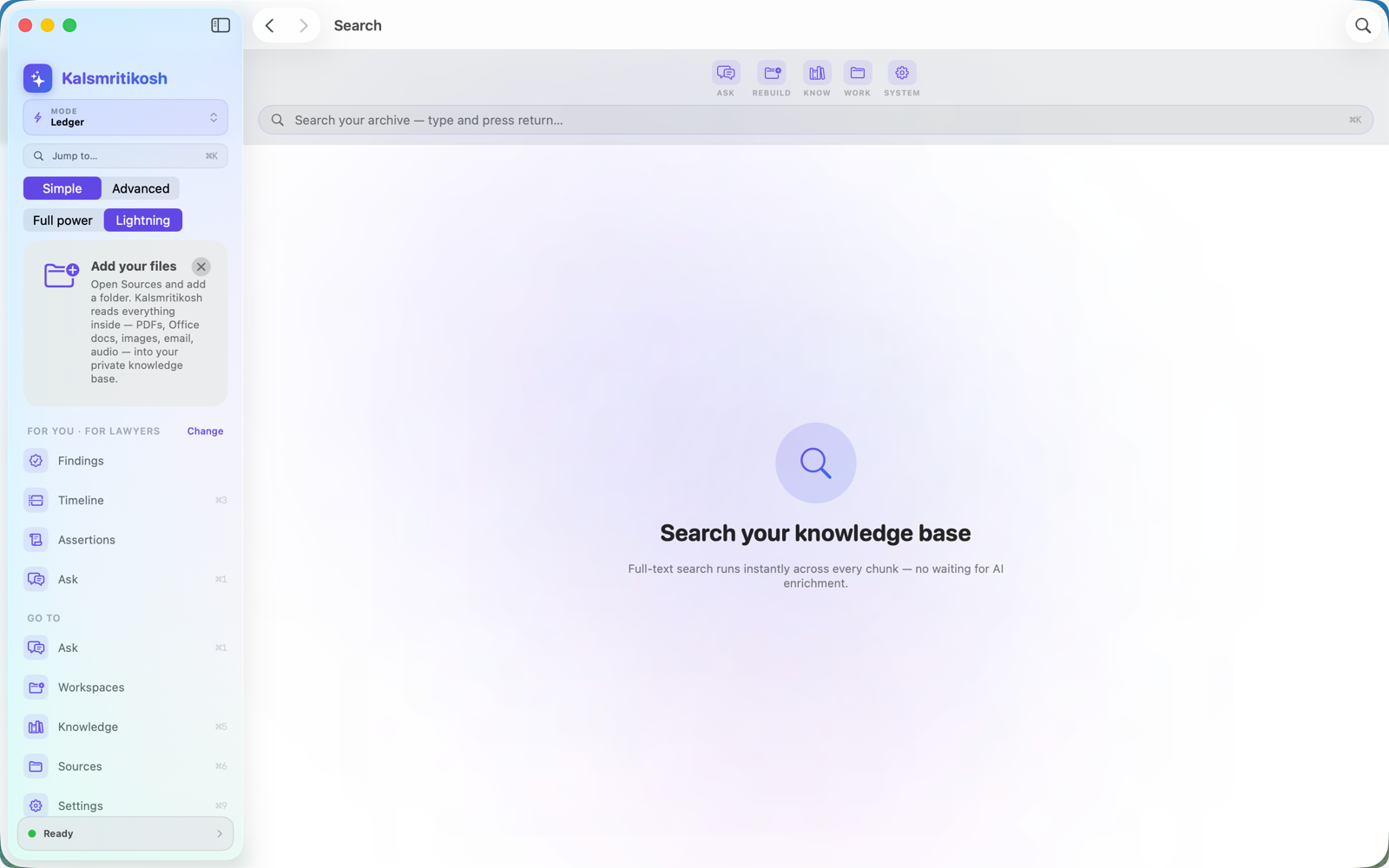
- Search — instant full-text across every document and email.Search
- Query builder — no-code questions over your ledger; describe it in plain words and it fills the filters. Shows the exact read-only SQL.Query
- Cross-doc matrix — one question asked across every source, each answer cited.Matrix
- Saved questions & answers — replayable, auditable history.Answers · Saved
🧩 Reconstruct the story
See what happened, who's involved, how it connects.
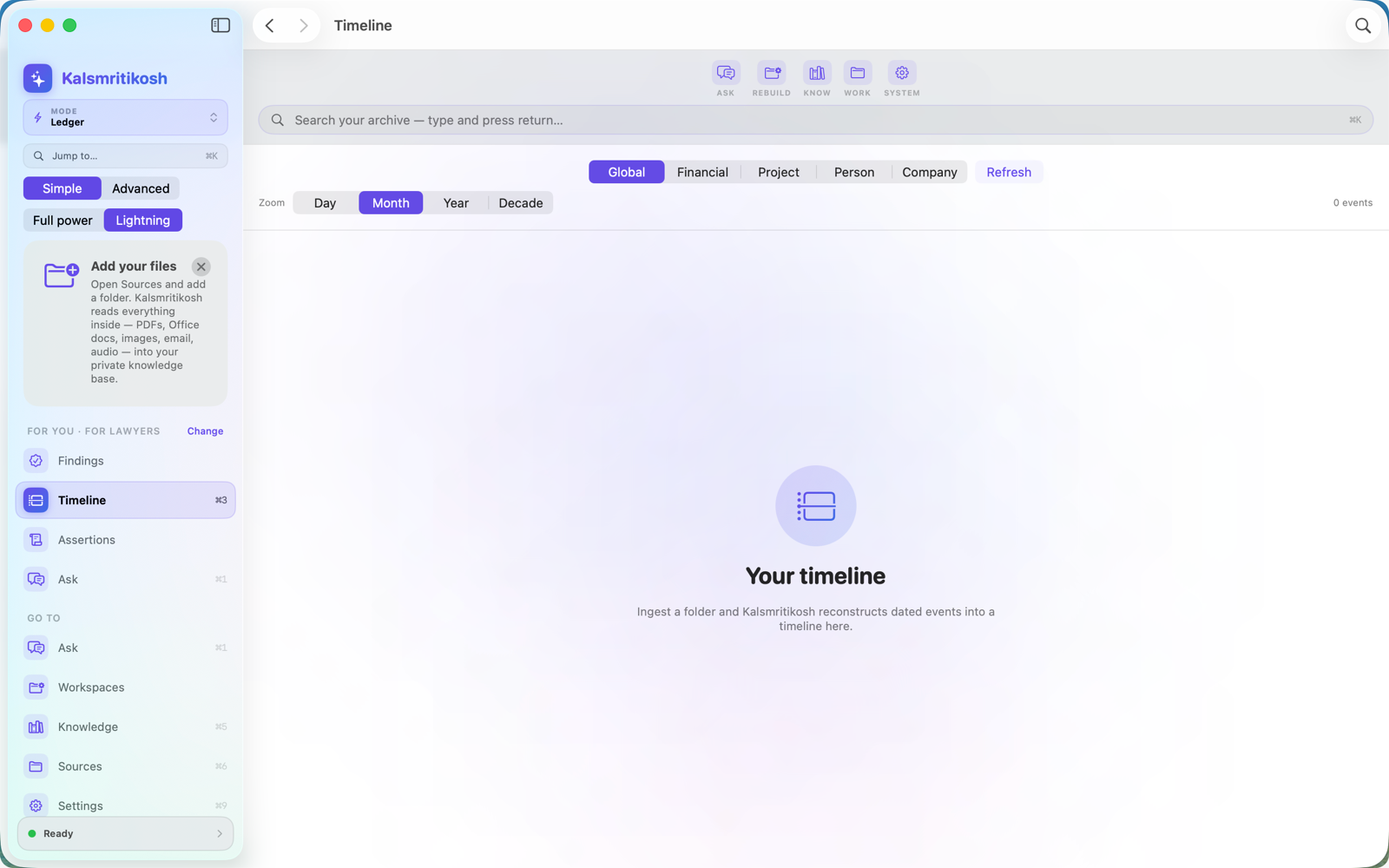
- Timeline & History — dated events and a cited narrative of what happened.Timeline · History
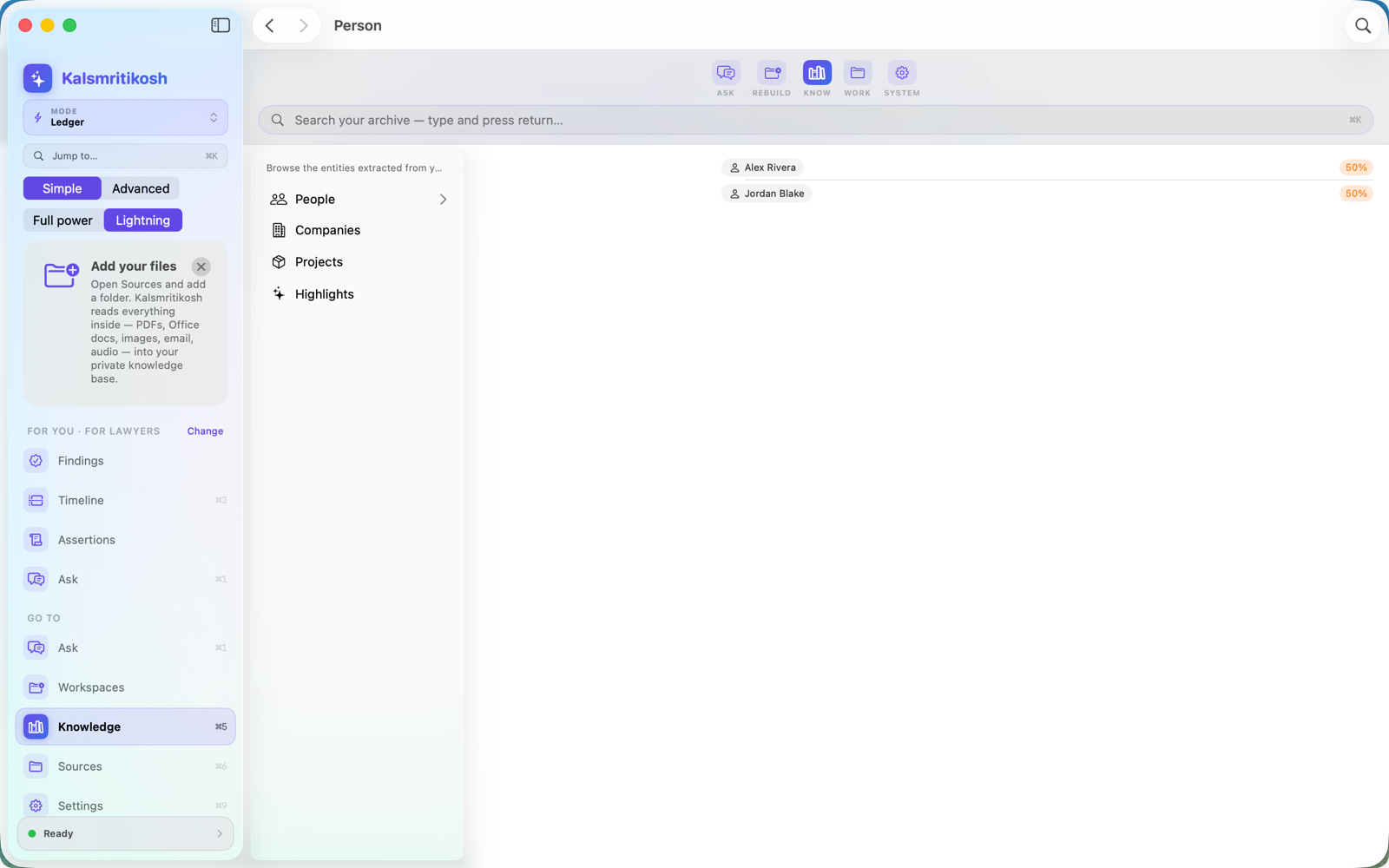
- Dossier — everything known about a person or organization.Dossier
- Connections — the shortest chain of relationships linking two parties.Connections
- Fund Flow — how money moved, payer → payee, from your evidence.Fund Flow
- Email Threads — a big mail dump deduplicated and threaded into conversations.Email Threads
▦ DataLab — evidence into tables
Spreadsheets where every number proves itself.
- Build from evidence — one click turns events, people, payments, communications, conflicts or gaps into a cited table.DataLab ▸ Build
- Profession templates — privilege log, research log, transaction ledger, allegation matrix… pick yours.DataLab ▸ Template
- Type, paste & bind — inline editing, paste from Excel, and bind any cell to its source document.DataLab
- Analyse safely — totals/sorts, non-destructive what-if scenarios, quality & missing-value checks.DataLab
🧭 Do the job & hand it off
Step-by-step work, tailored to your profession.
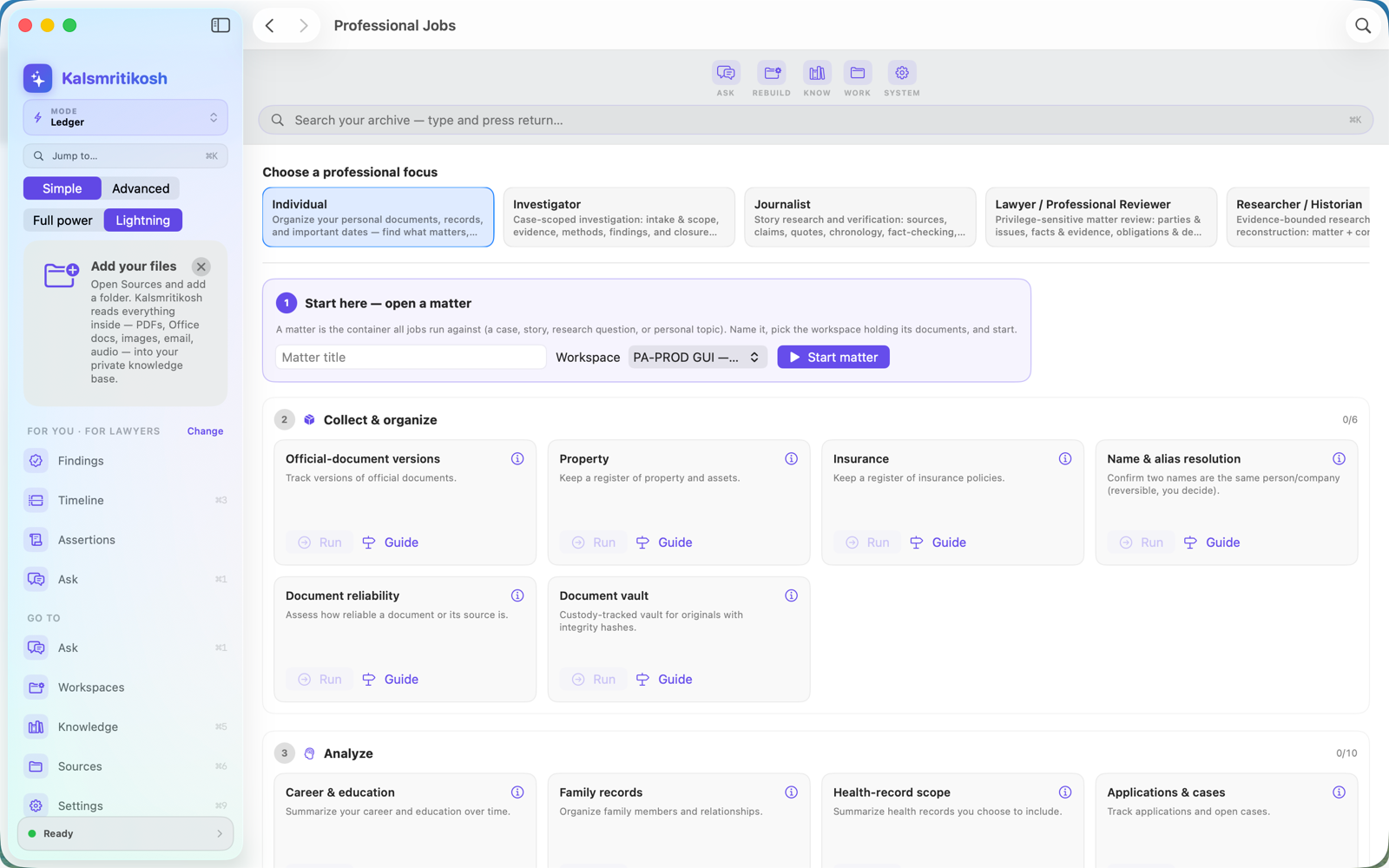
- Professional workflows — gated, guided jobs for 10 professions, a numbered document per step.Professional Jobs ▸ Run
- Logs & registers — interviews, records requests (FOIA), research log — with full change history.Logs & Trackers
- Review & handoff — resolve conflicts, chase missing evidence, record the decision.Review · Handoff
- Export with receipts — PDF, Word or Excel with citations baked in and a tamper-evident receipt.Export
🛡️ Trust, safety & upkeep
Ship work you can defend.
- Real redaction — removes the text from text-based PDFs (not a black box), then verifies it's gone from the extractable text.Redaction
- Authenticity signals — fingerprint + provenance on a file, framed as leads not verdicts.Authenticity
- Findings by status — proven, inferred, contradicted, missing — nothing hidden.Findings
- Freshness monitor — re-check confirmed facts before they go stale.Freshness
- Layered citations — Evidence Explained references, done for you.Citations
📊 See the big picture
Across every matter you hold.
- Caseload — every matter triaged by how much attention it needs.Caseload
- Trends — patterns across everything you've ingested.Trends
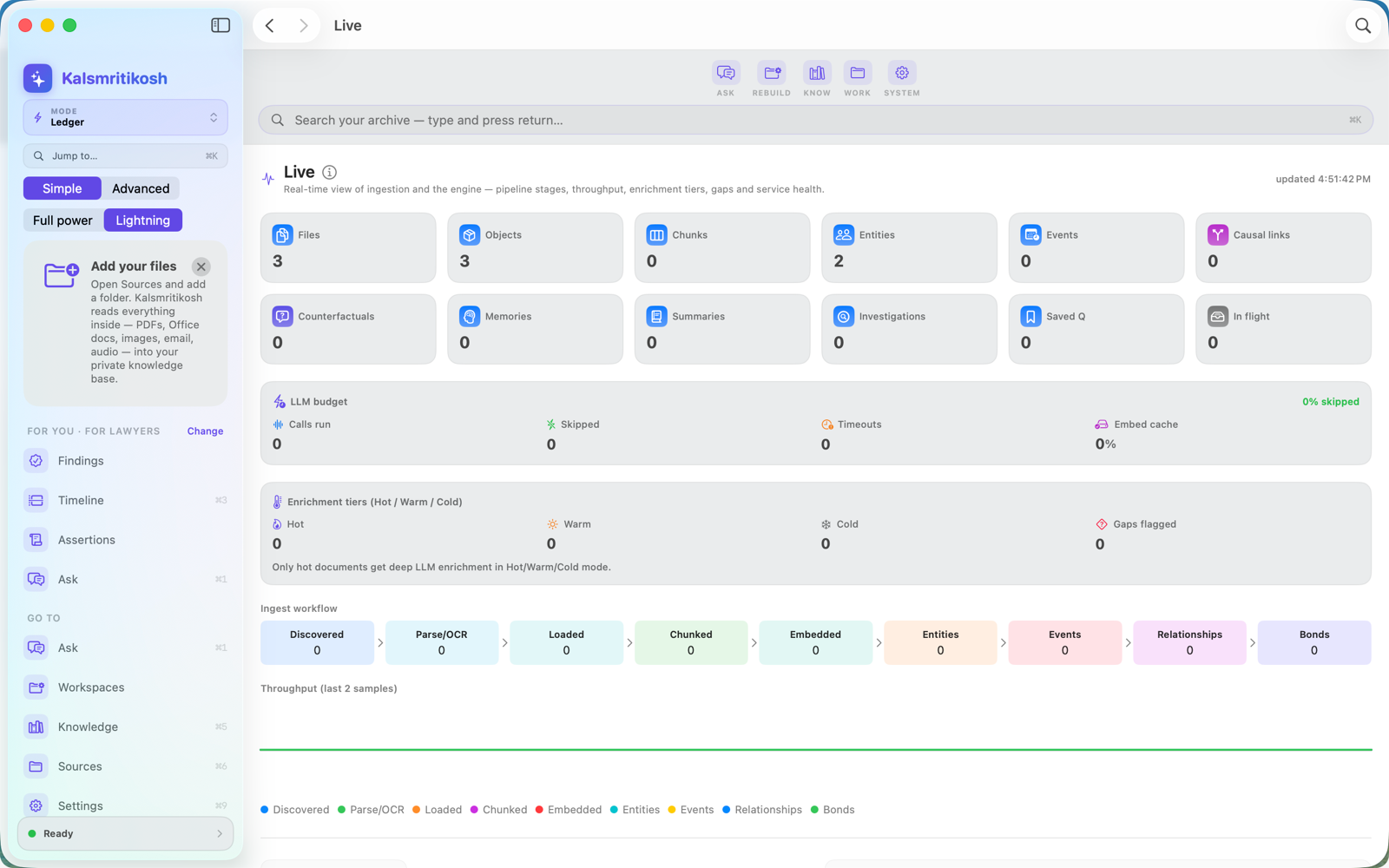
- Completeness & Live — how fully your archive is processed, and live activity.Completeness · Live
- Convert — turn files between formats, back and forth.Convert
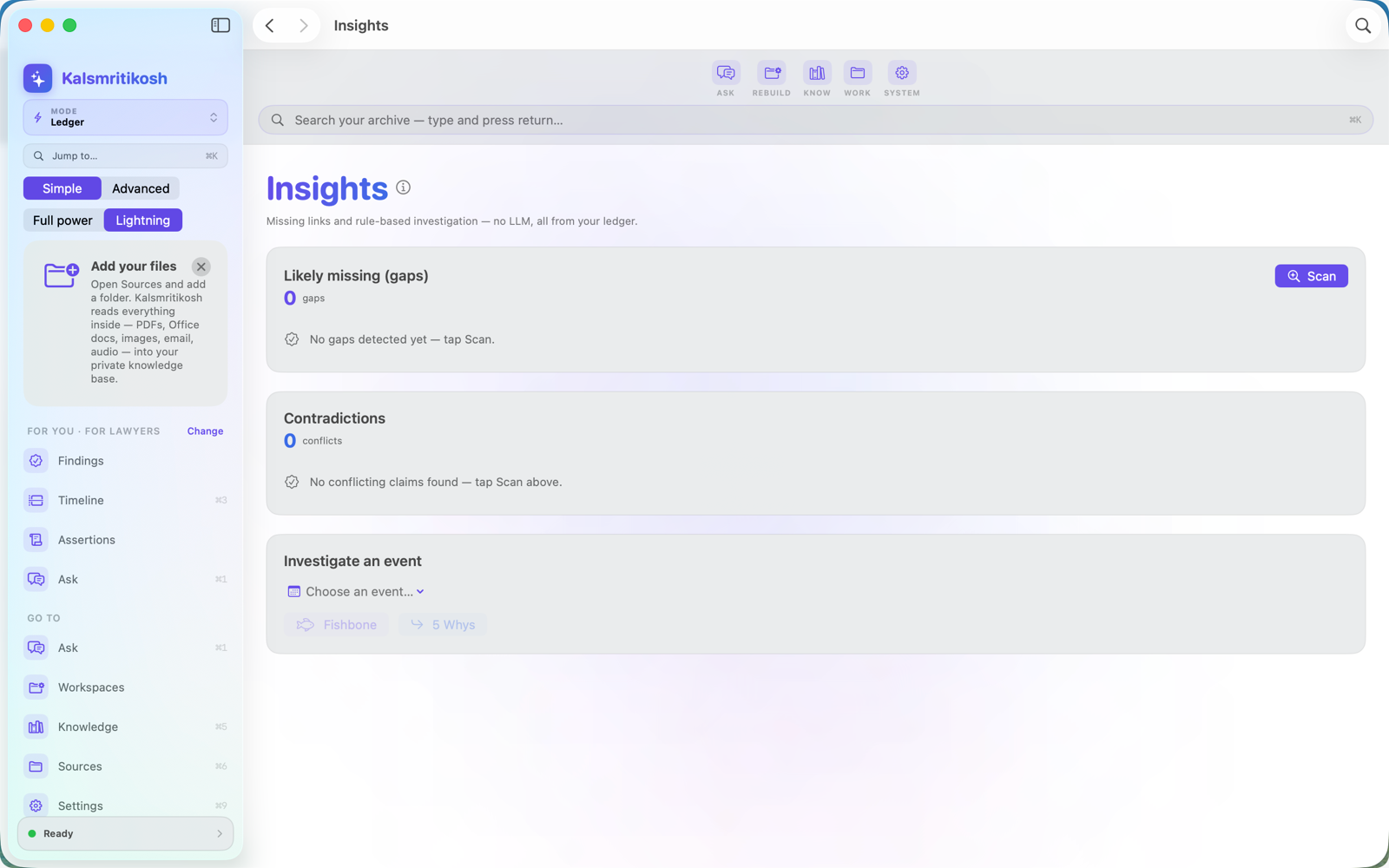
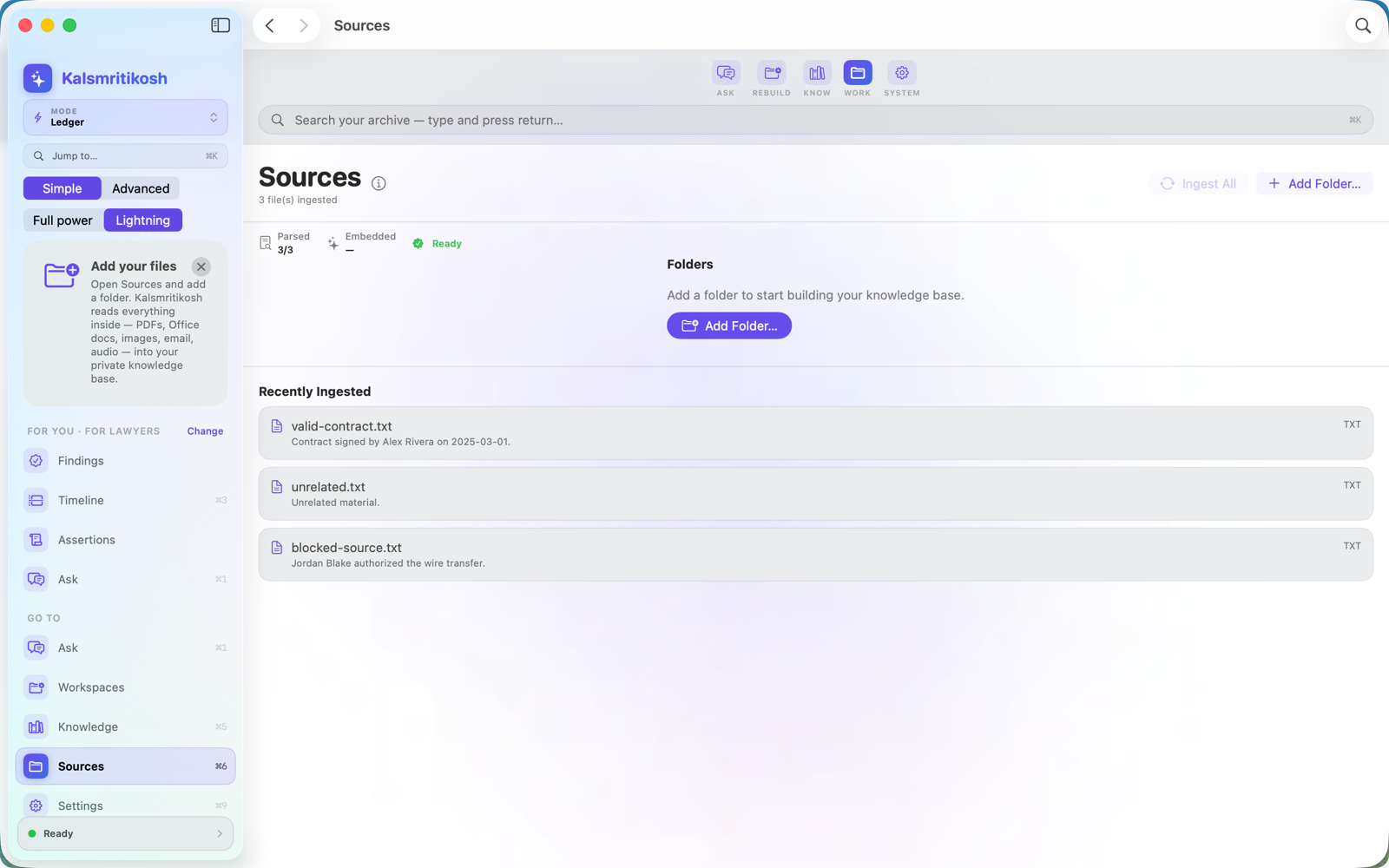
A look inside
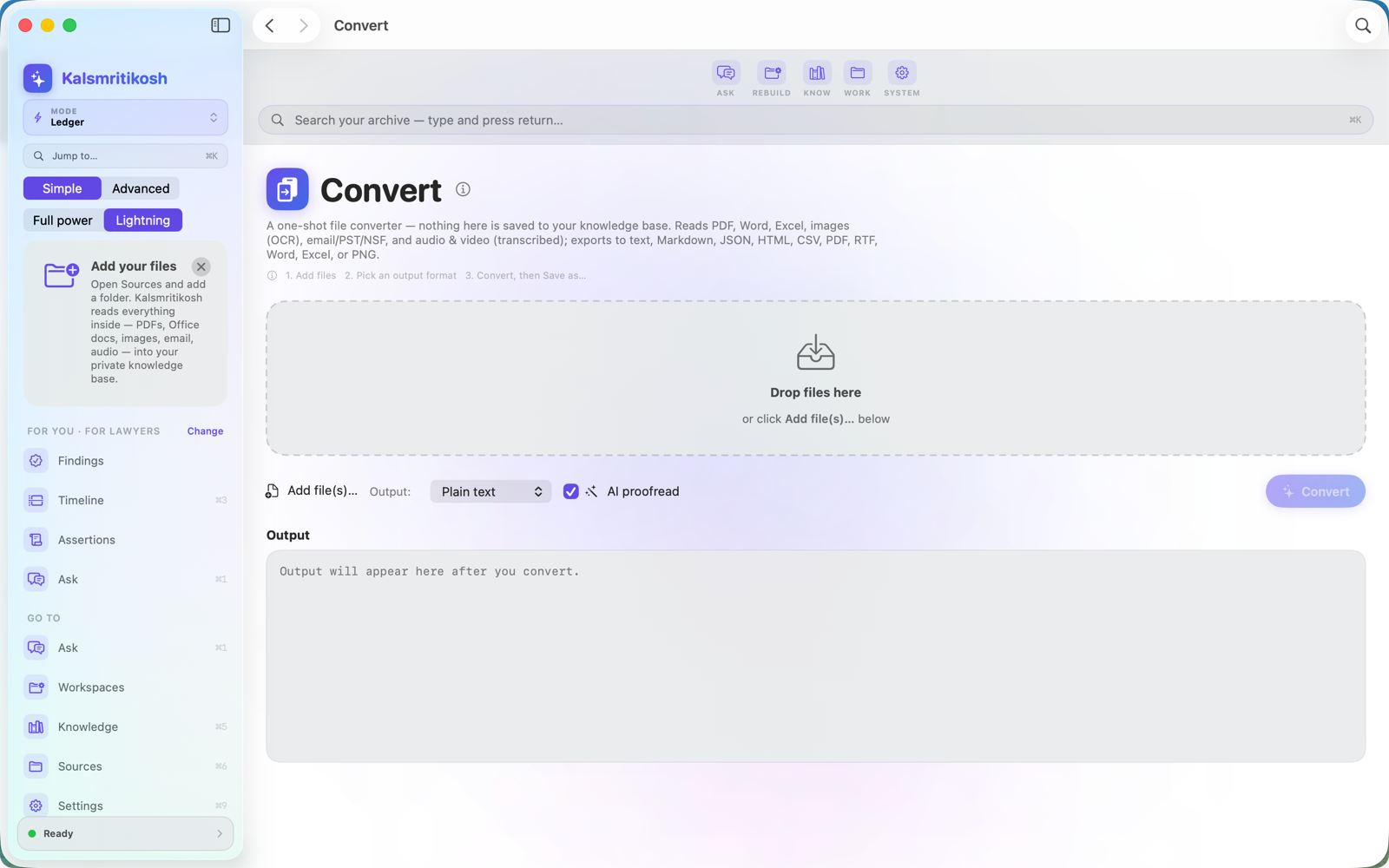
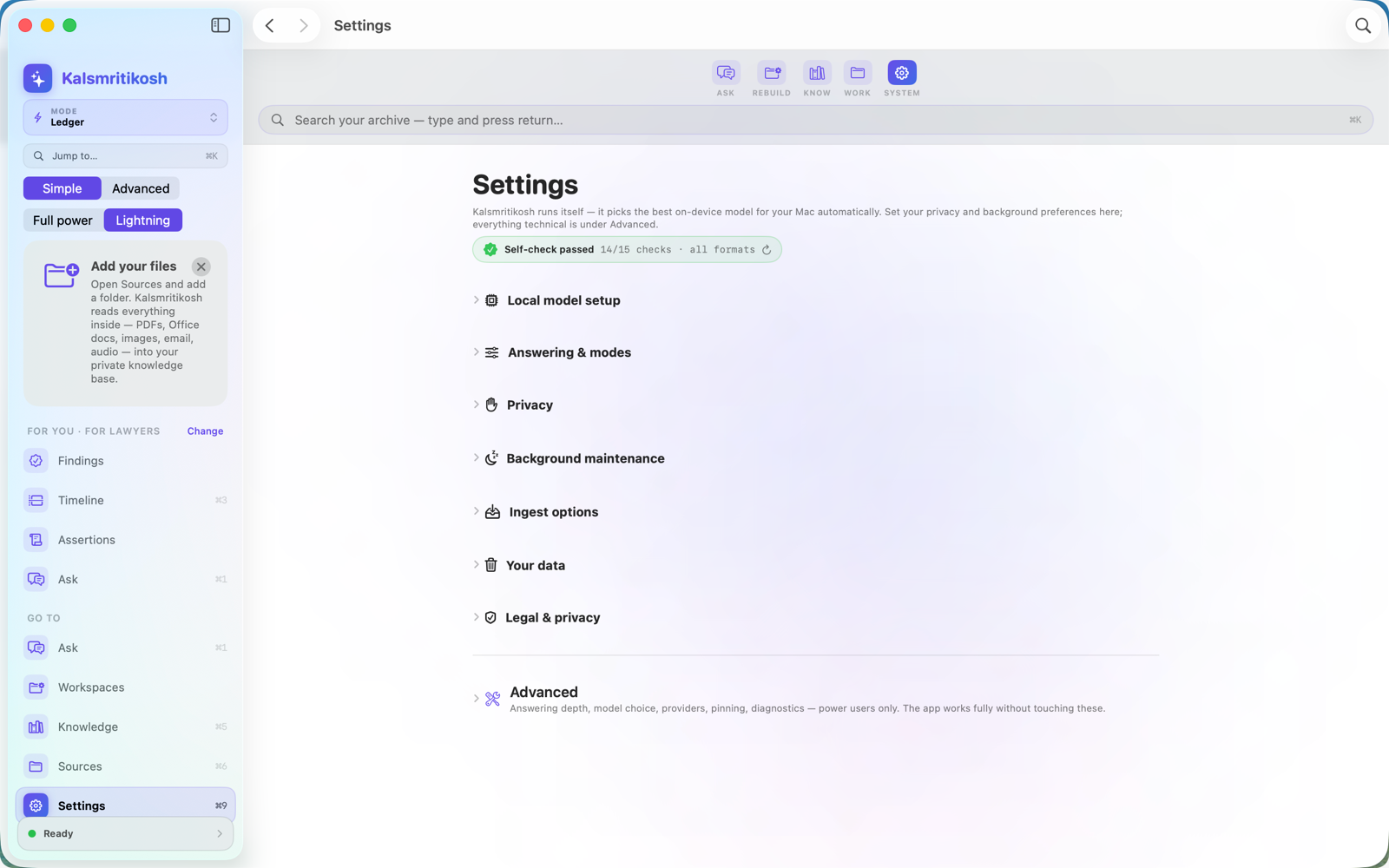
Built for people who can't afford to be wrong
Pick your focus on first launch — the app speaks your profession's own language and tailors the workspace to the jobs you actually do.
Solo & small-firm lawyers
Case chronology, privilege log, exhibit list, Bates-style document production — the document-review workflow big-firm platforms charge per-gigabyte for — for a one-time purchase. No processing fees, ever.
Investigators
Subject workups, chain of custody, timeline & link analysis — who knew what, and when, with the gaps in the record made visible.
Insurance fraud (SIU)
Work a referred claim file: red-flag worksheets (indicators, never proof), statement comparison, loss chronology, and a defensible SIU report.
Forensic accountants
Follow the money — funds tracing, tracing schedules where every amount drills to its source document, exhibit-ready expert reports.
Journalists
Verify claims across a document dump — fact-check board, right of reply, the tick-tock — what's supported, what conflicts, what's missing.
Compliance & HR investigators
Workplace investigations that stand up later: allegations tracked, statements compared, findings on the balance of probabilities.
Researchers & historians
PRISMA-style screening, source criticism, chronology & periodisation — reconstruct the past with honest uncertainty, not false precision.
Genealogists
Research to the Genealogical Proof Standard: a research log, citations that reopen their source, conflicting records resolved — and a written proof argument.
Content creators
Research a video, podcast or newsletter: fact-check board, source vetting, guest background, and a source & rights locker — publish what holds up, and show your work.
Everyone
Your private, searchable memory — emergency binder, legacy binder, important dates, and answers about your own documents.